> ## Documentation Index
> Fetch the complete documentation index at: https://etherspot.fyi/llms.txt
> Use this file to discover all available pages before exploring further.
# RPC Playground
This feature is available on all plans.
## Overview
The [RPC Playground](https://developer.etherspot.io/dashboard/rpc-playground) provides a seamless interface for developers to interact with blockchain networks using JSON-RPC. It simplifies testing, debugging, and integrating blockchain functionalities directly from your Dashboard.
✅ Faster Development & Testing – Quickly execute and validate RPC calls without writing code.
✅ Simplified API Integration – Copy JSON-RPC requests and responses for easy implementation.
✅ Multi-Chain & Version Support – Test different blockchain networks on different API versions effortlessly.
✅ Real-Time Gas & Fee Insights – Retrieve gas prices, fee history, and user operations for transaction optimization.
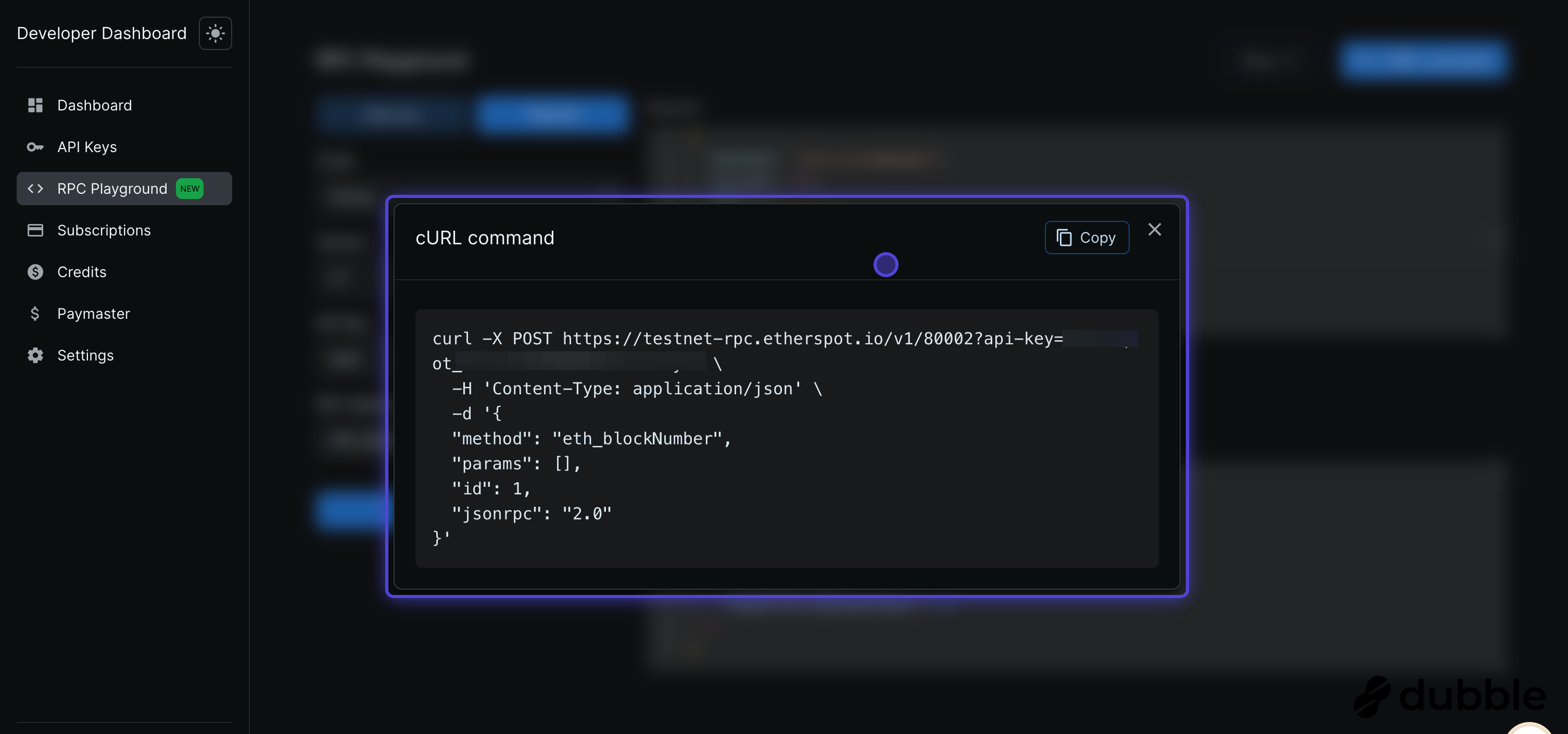
✅ One-Click cURL Commands – Generate cURL requests to streamline API testing and integration.
✅ Interactive & Developer-Friendly – Modify parameters, analyze responses, and debug efficiently.
What’s Included:
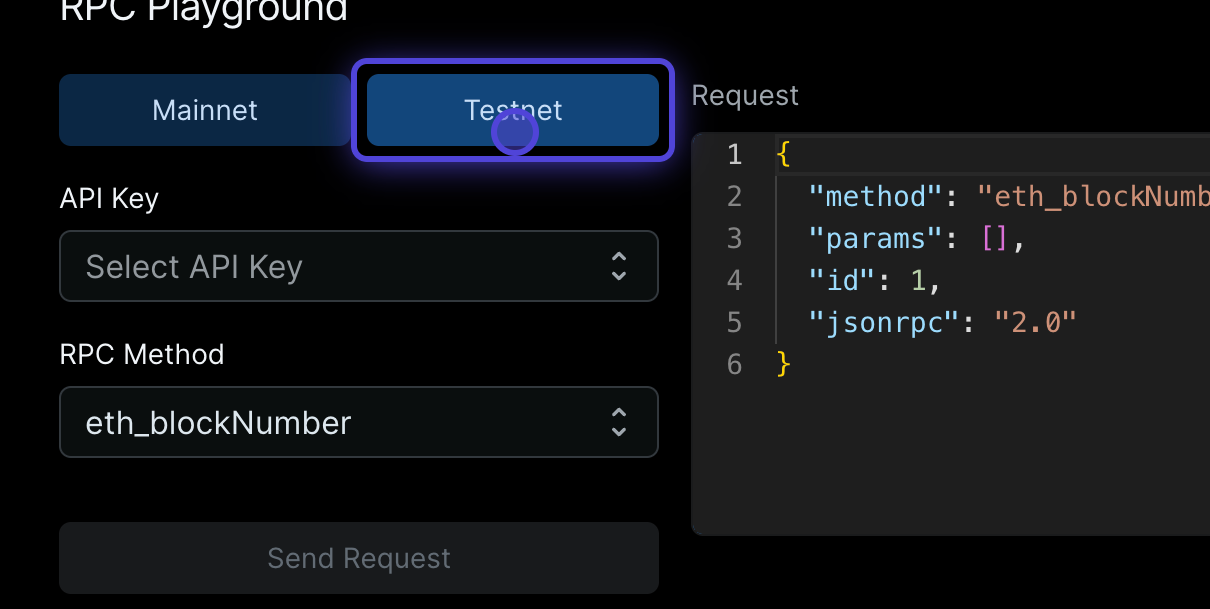
* Network Selection: Choose from available testnets and mainnets.
* API Key Management: Authenticate requests securely.
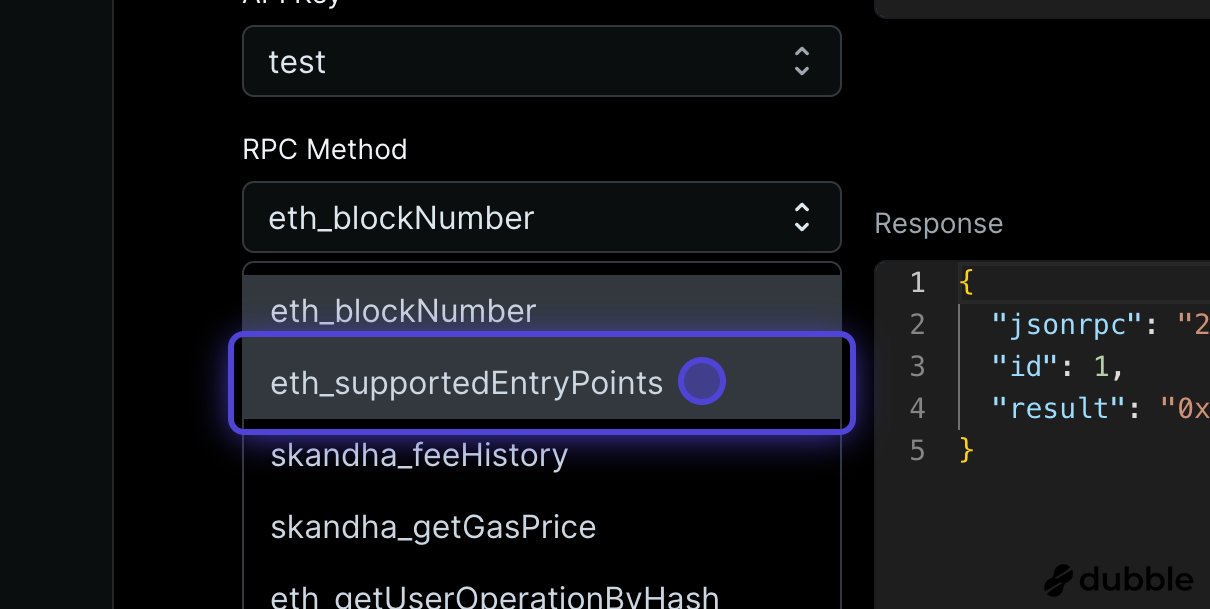
* RPC Method Explorer: Browse and execute supported methods dynamically.
* Live JSON Request & Response: Instantly view structured API interactions.
* cURL code generation: Generate cURL commands for direct integration.
* Docs & SDK Integration: Direct links for further reference and implementation.
This tool significantly enhances developer productivity by offering an intuitive, interactive environment for blockchain API testing and validation. 🚀
## Step-by-Step Guide
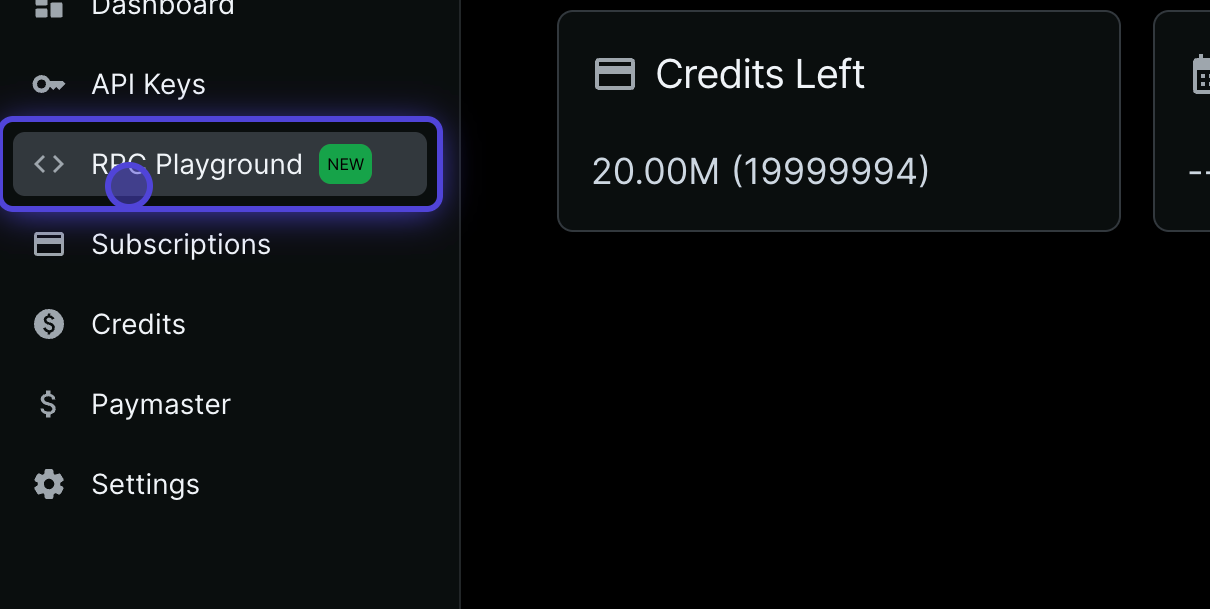
### 1. Click on RPC Playground
 ### 2. Choose either Testnet or Mainnet
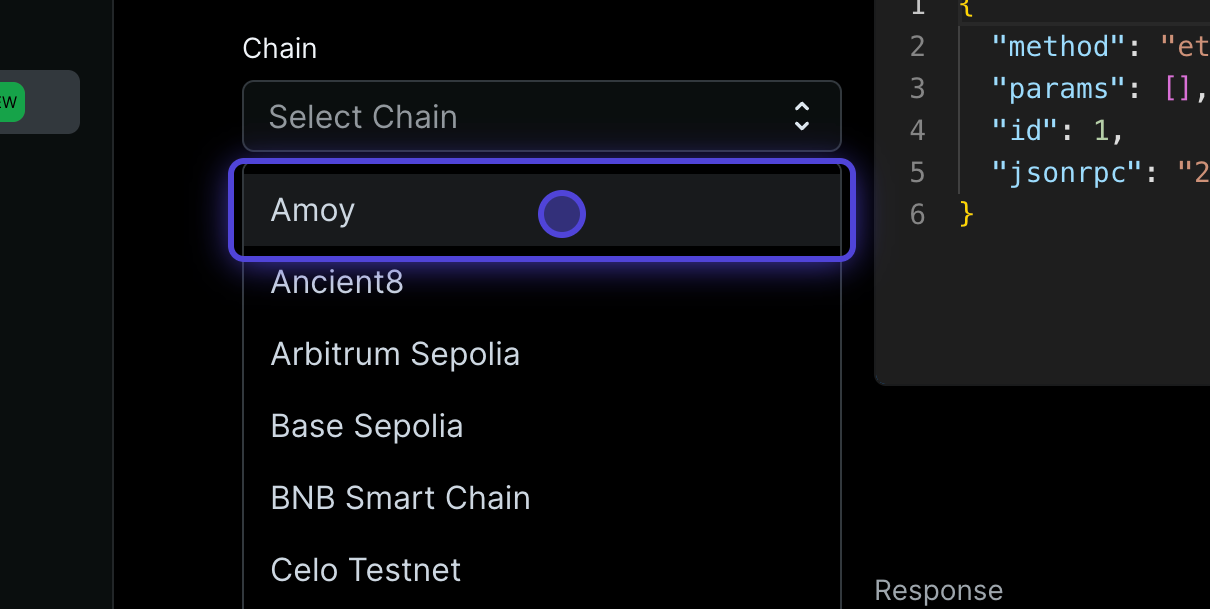
 ### 3. Choose a chain you want to send request
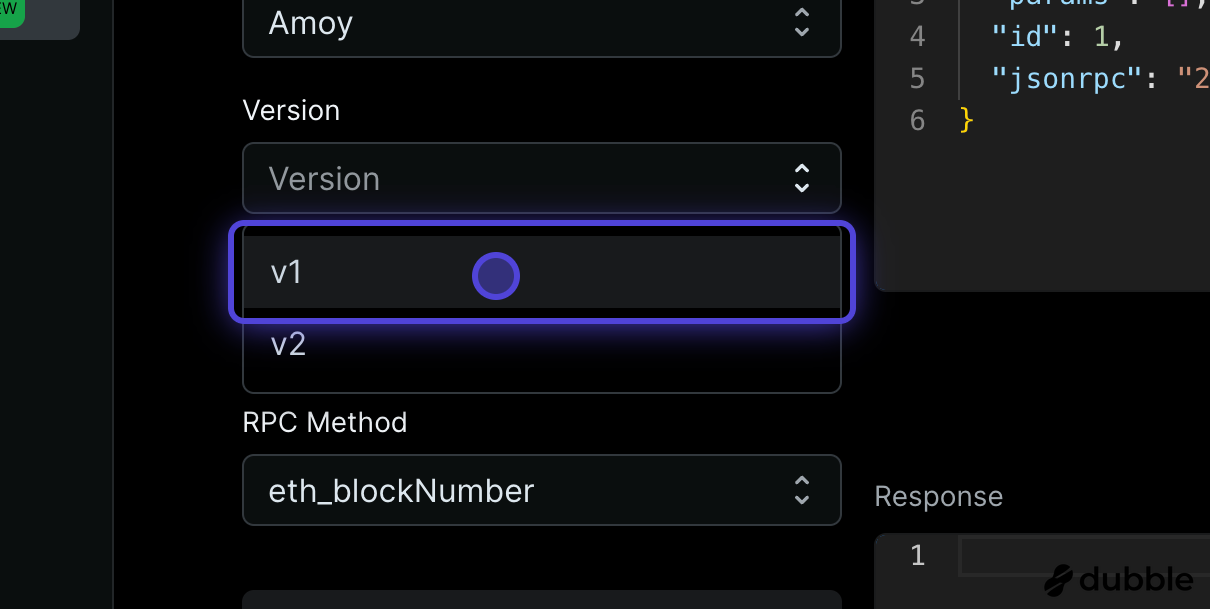
 ### 4. Choose API version
V1 supports EntryPoint 0.6.0
V2 supports EntryPoint 0.7.0
### 4. Choose API version
V1 supports EntryPoint 0.6.0
V2 supports EntryPoint 0.7.0
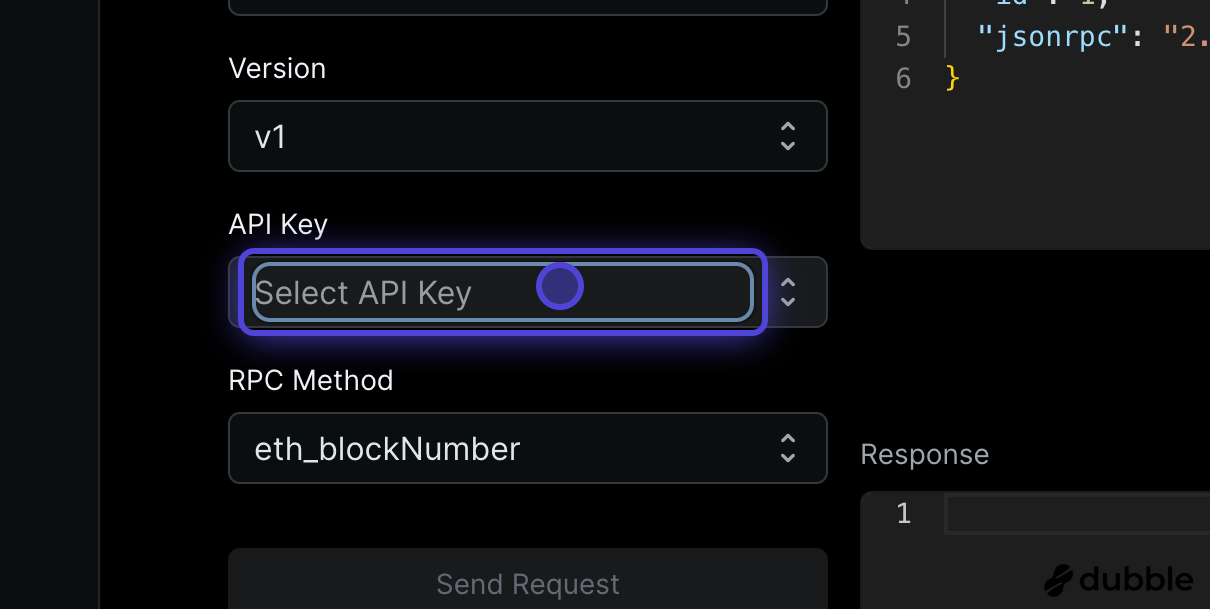
 ### 5. Click on Select API Key
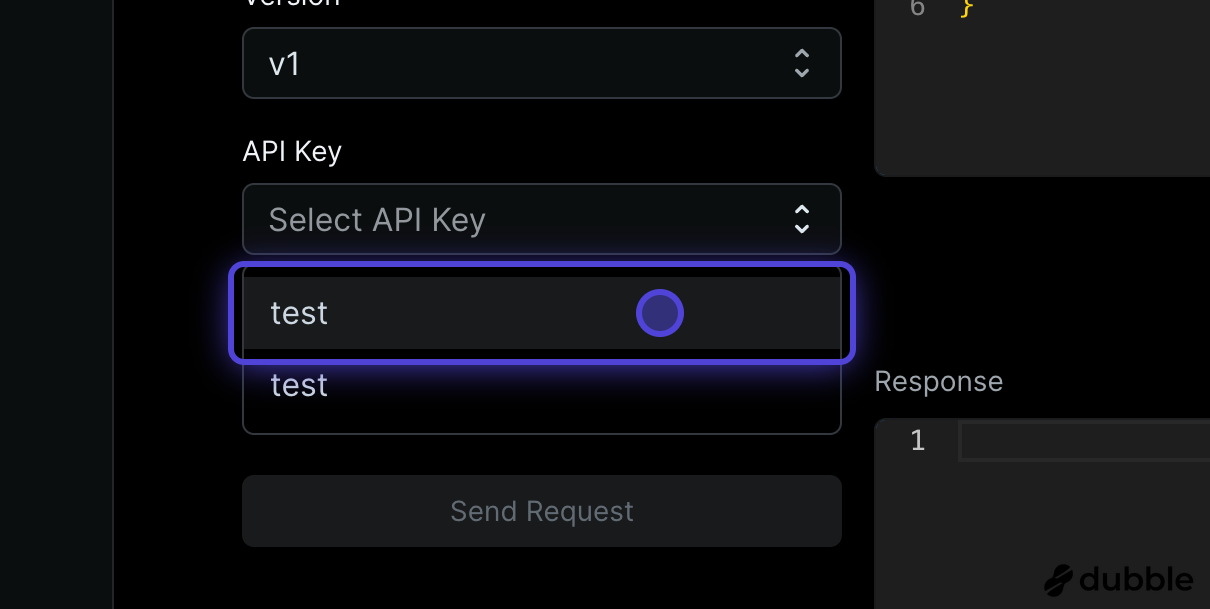
 ### 6. Choose your API key
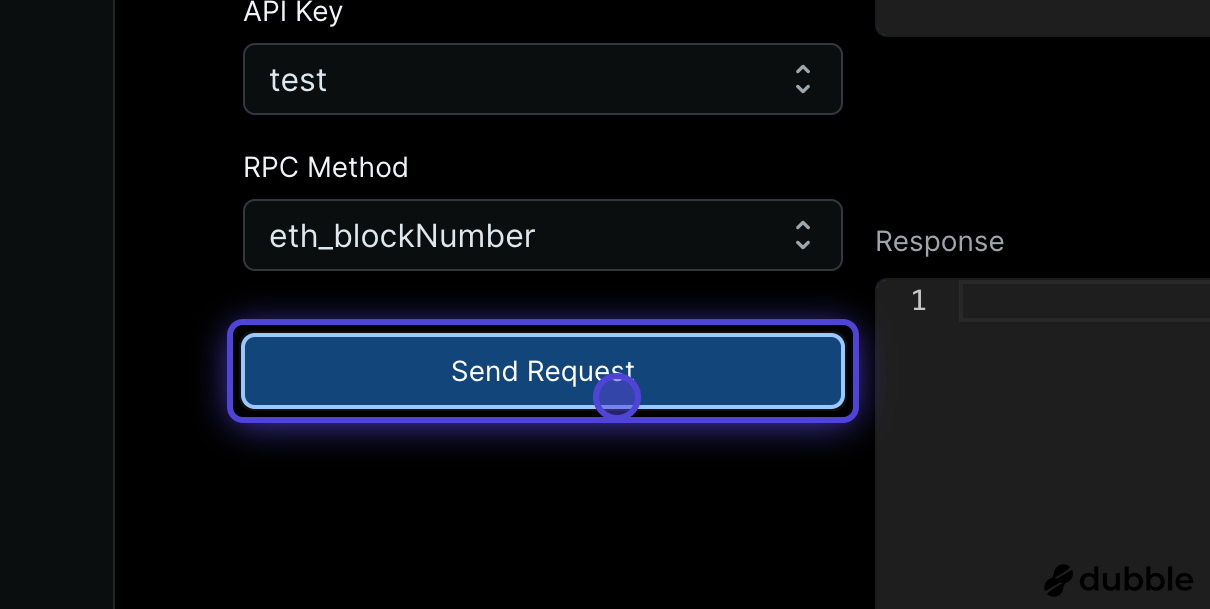
 ### 7. Click on Send Request
 ### 8. Choose from the range of supported RPC methods
 ### 9. Generate cURL command
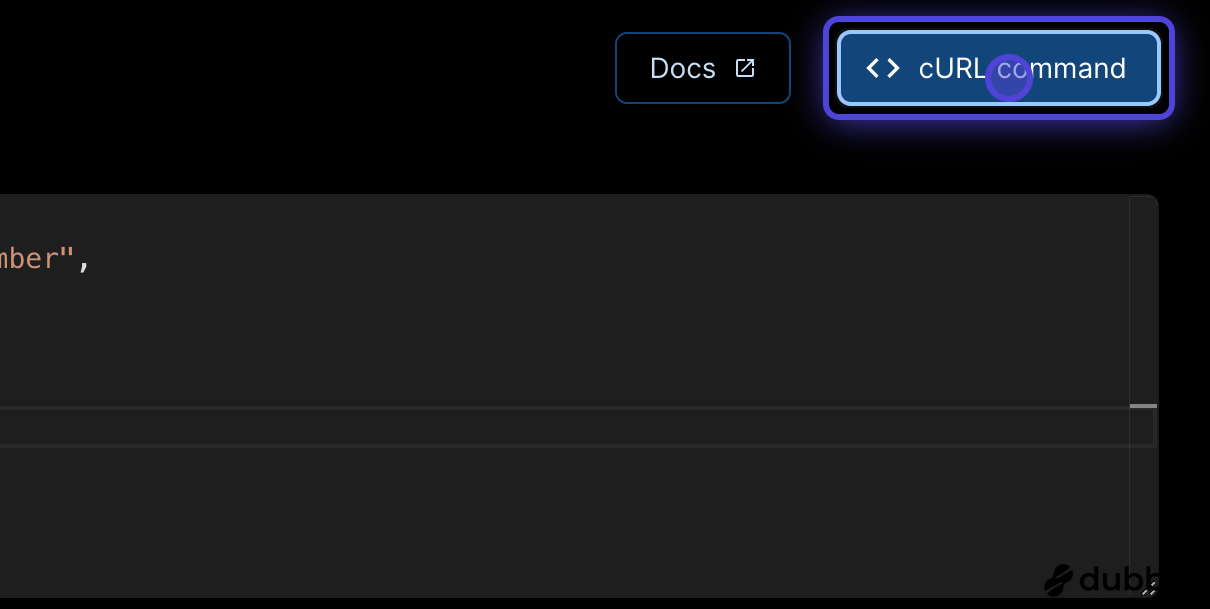 ### 10. The code will be generated ready to be used